
Accessibility and comfort
Penguin Colony lists camera comfort, colour alternatives, custom volume controls, keyboard-only play and no timed input. If white-on-white ice is the problem, colour alternatives plus a contrast bump makes slope edges readable.
Penguin Colony's Steam listing carries an unusually specific set of comfort and accessibility flags for a small horror game. Most of them are aimed at the same problem: a first-person walk across white ice, in fog, at night, with a narrator talking over it.
What the game advertises
Every feature below is listed on the game's own Steam page, which makes them commitments rather than nice-to-haves.
| Feature | What it means for a session |
|---|---|
| Camera Comfort | Reduces the worst of the movement discomfort |
| Color Alternatives | A palette option when ice and fog blur together |
| Custom Volume Controls | Per-channel mixing, not one master slider |
| Keyboard Only Option | No pad required at any point |
| Playable without Timed Input | Nothing in the game demands reflexes |
| Gamepad Recommended | The studio's own preference for camera control |
| Full controller support | Xbox, DualShock and DualSense all recognised |
| Stereo Sound | The mix is authored for two channels |
Reading the ice without colour
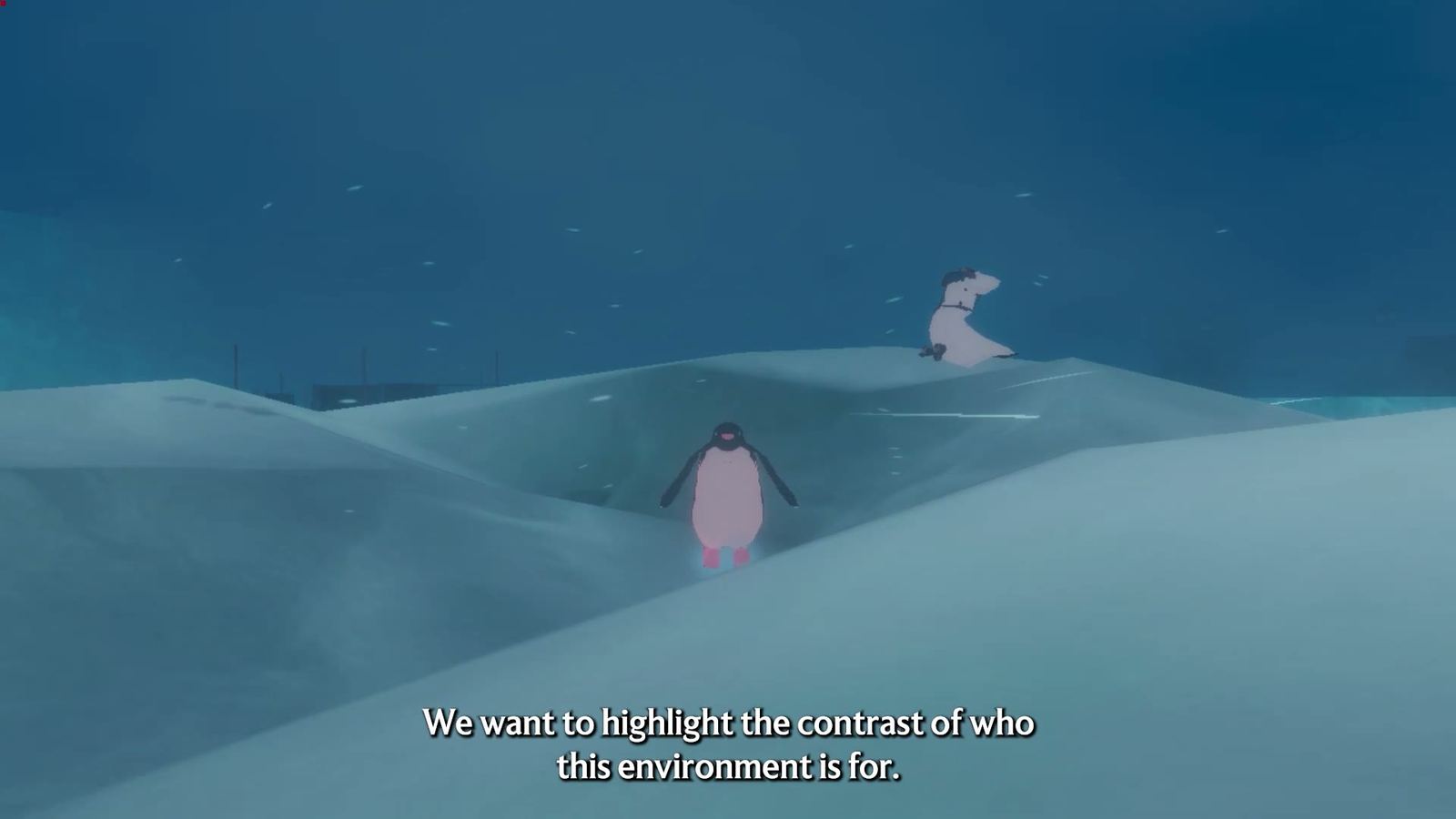
White-on-white is the game's core visual problem and it is deliberate: the whole point of the Antarctic is that everything looks the same until it does not. If that is fighting you rather than scaring you, turn on Color Alternatives and increase display contrast. The payoff is that slope edges and ice shelves become easier to read at distance, which also makes climbing less of a gamble.
Sound as an accessibility tool
The audio mix is doing navigational work. Wind direction, the crunch of your own feet and the distant noise of the expedition all tell you where you are. Two adjustments make that information easier to use:
- Raise the narration channel if you are following the story
- Reduce ambience slightly in open ice, where the wind dominates
- Use the audio menu's example sounds to judge each change before you commit
Comfortable session length
Nothing in the demo is timed, so the practical limit is your own ability to stare at drifting snow. Short sessions of thirty to forty minutes, each ending at a landmark, work better than long ones that end with you lost. If you notice you have stopped watching the world and started reading the ground, stop at the next landmark and leave it there.
For the rest of the setup checklist, see controls and settings; for the way stamina and climbing interact with all of this, see stamina and movement.